Can I try FitnessKhata first?
Yes — seven days, free, with every feature unlocked. Install the app,
fill in your gym's name, address and phone number, then tap the free
trial button. No card, and nothing to cancel.
Do I need internet to use it?
Only for two moments: starting your trial, and activating a paid plan.
Everything after that — members, fees, attendance, reports — works with
the internet switched off. The app checks in briefly when a connection
happens to be there, and carries on for weeks if there is none.
Is the Android download safe to install?
Yes. It is the same signed app we hand to gyms in person, downloaded
straight from this page. Android will ask you to allow installs from
your browser the first time, because the file did not come from the
Play Store — that warning is about where it came from, not what is in
it.
Are all features included in every plan?
Yes. Every plan includes unlimited members, daily attendance, fees,
reports, sales and expenses, WhatsApp tools, and Excel backup. The
subscription duration is what changes.
Where is my gym's data stored?
Your data stays on your own device. The app includes backup and restore
options, including Excel backup, to help you keep your records.
Can I send receipts through WhatsApp?
Yes. FitnessKhata includes WhatsApp receipts and reminder templates to
help you communicate with members.
How do I activate a paid plan?
Pick a plan above and message us on WhatsApp. We send back an activation
key; you enter it once in the app with the internet on, and that is the
end of it. No account, no monthly login.
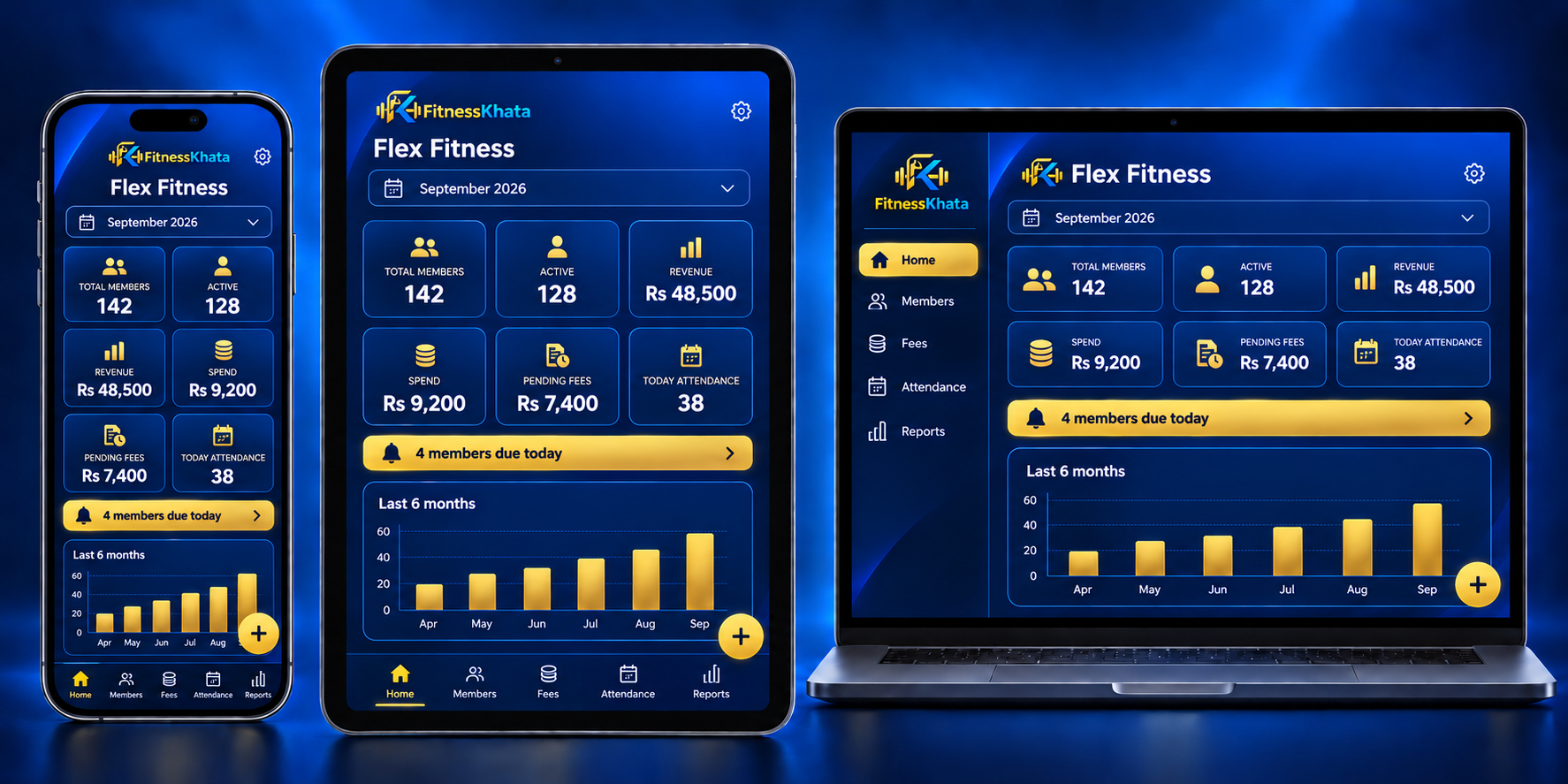
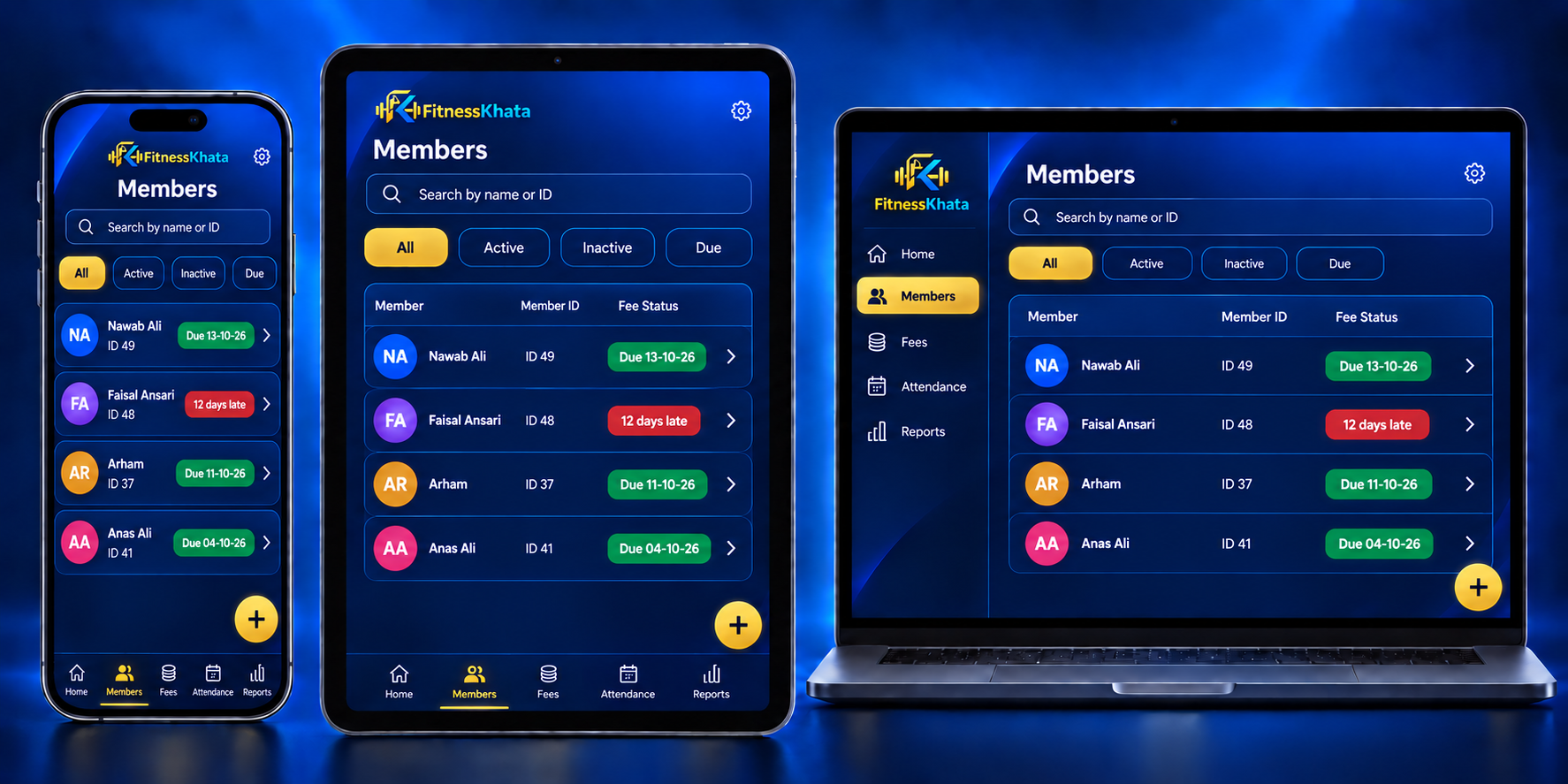
Can I use it on my phone and my laptop together?
Each key runs on one device, so choose whichever you use at the counter.
To move records between two devices, export an Excel backup from one and
import it into the other. If you change phones, message us and we will
free your key for the new one.